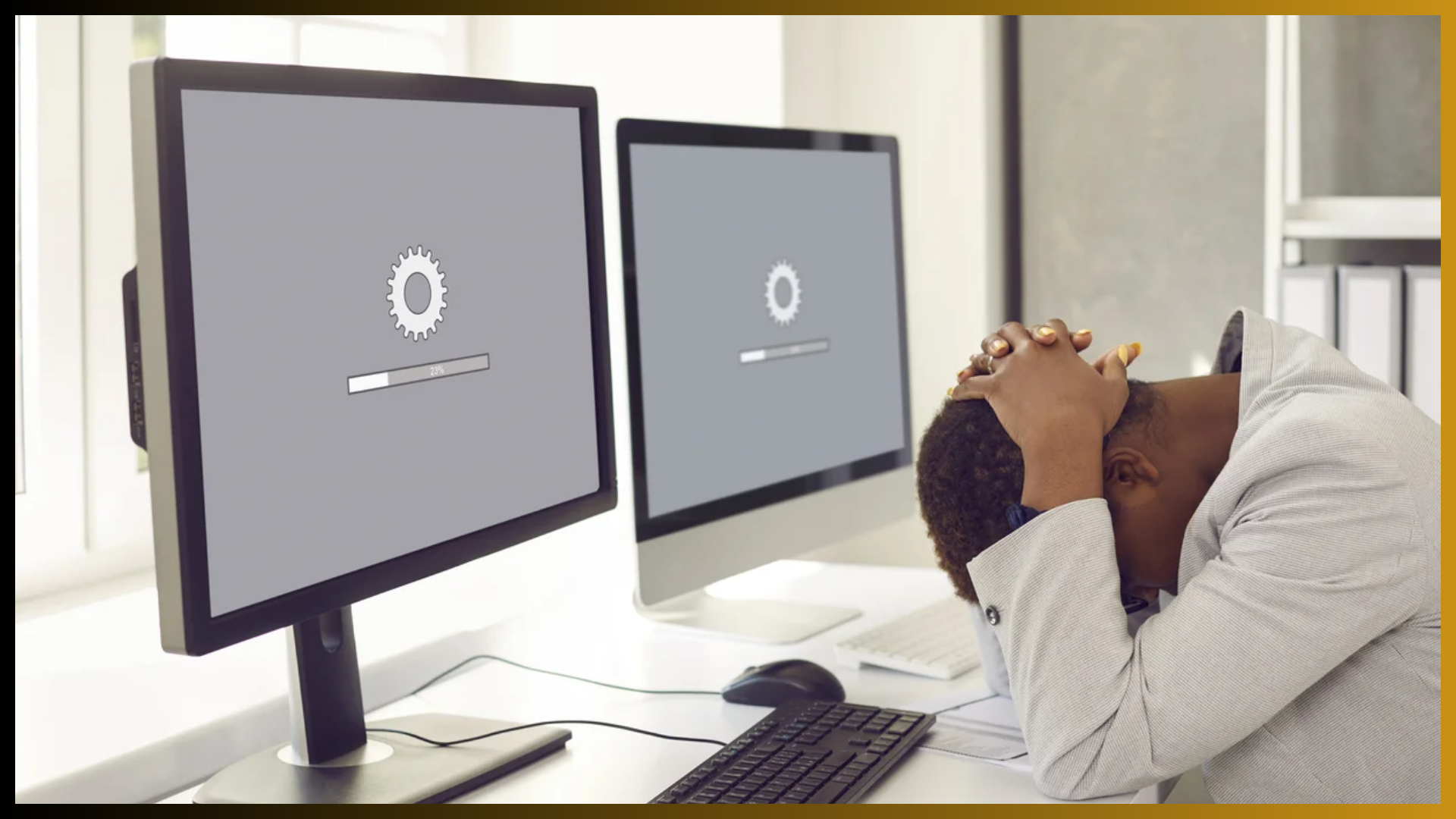

Most websites don’t crash out of nowhere. The warning signs show up first—if you know where to look.
Whether you’re managing a nonprofit, university, or community-focused organization, your website plays a vital role in how you serve, inform, and connect with your audience. But when things start slipping behind the scenes, it’s easy to miss the signals until you’re in full-blown “site down” mode.
Here are five signs your website is overdue for some maintenance—and what to do about it before things get worse.
1. It’s Slowing Down (and So Are Your Users)
If your pages are taking longer than a few seconds to load, your visitors aren’t waiting around. A sluggish site can drive up your bounce rate, tank your search rankings, and frustrate the very people you’re trying to serve.
What to check:
- Page load speed on both desktop and mobile
- Large images or scripts bogging down performance
- Hosting issues or plugin bloat
Why it matters: Site speed is often the first thing to go when your site needs a tune-up. Left unchecked, it can signal deeper backend inefficiencies that lead to bigger problems down the road.
2. Your Site Looks Fine… But Something’s Always Breaking
Maybe it’s a contact form that randomly stops sending. Or a broken calendar widget. Or an outdated plugin throwing PHP errors. These aren’t one-offs—they’re red flags.
What to check:
- Console errors and form submissions
- Plugin update logs and compatibility
- CMS and theme version history
Why it matters: Recurring technical issues are a sign your site isn’t being maintained regularly. It might still be standing, but it’s running on borrowed time.
3. Your Security Feels a Bit… Optional
If you’re not updating your plugins, backing up regularly, or monitoring for suspicious activity, your site is vulnerable—even if nothing’s happened yet.
What to check:
- Are you running the latest versions of WordPress, themes, and plugins?
- Do you have security monitoring and backups in place?
- Has your SSL certificate been renewed?
Why it matters: Security vulnerabilities are one of the most expensive and disruptive problems to fix after a breach. Regular maintenance helps you prevent them in the first place.
4. Your Content Feels Outdated—or Just Hard to Manage
If it takes forever to update your homepage or you’ve stopped adding new content because it’s too frustrating, your site isn’t working for you anymore.
What to check:
- Is your CMS intuitive and accessible for your team?
- Are you using outdated plugins or page builders?
- Is key information still accurate and relevant?
Why it matters: Maintenance isn’t just about tech—it’s about keeping your content current and your workflows manageable. A neglected site is one that stops reflecting who you are.
5. Accessibility and SEO Are Falling Behind
If your site isn’t compliant with accessibility guidelines or isn’t showing up in search results like it used to, chances are your maintenance routine has slipped.
What to check:
- Do you have alt text, proper heading structure, and keyboard navigation?
- Are meta tags and page descriptions optimized?
- Is your site being crawled and indexed properly?
Why it matters: Both accessibility and SEO rely on an up-to-date, well-maintained site. And when they’re ignored, your reach and inclusivity suffer.
Don’t Wait Until It Breaks
The good news? Most of these issues can be caught—and fixed—before they spiral.
A proactive maintenance plan saves time, money, and stress. And if you’re not sure where your site stands, a simple audit is a great place to start.
Website Maintenance Services :: https://yi.com.pk/service/website-maintenance-service/
We’re just a message away—WhatsApp our consultant @ +92 346-240-9866