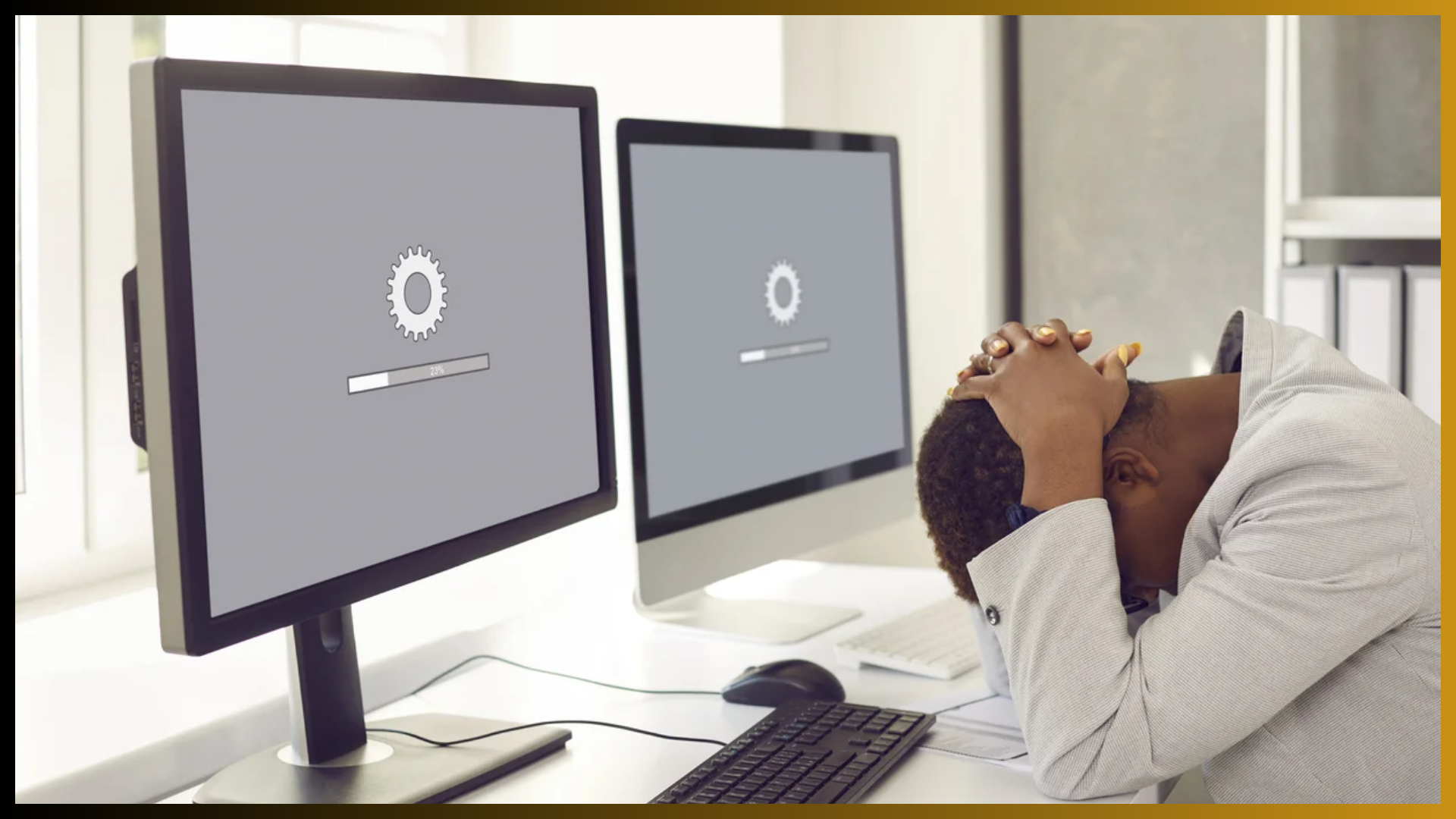

Imagine if you never serviced your car. What would happen? Eventually, it would break down. In the end, you might spend more time and effort fixing your car than if you had maintained it regularly.
The same is true for your website.
Today, 81% of shoppers research businesses online before buying anything. And with 73% of small businesses maintaining their own websites, consistent upkeep might be the competitive edge you need. (Zippia, 2023)
But what is website maintenance, exactly? How often should you do it, and what benefits can you expect? Dive in to explore these critical questions and more.
What is website maintenance?
Website maintenance is the process of regularly updating and managing a website to ensure it stays fast, secure, and visible. Some key elements of web maintenance include:
- Regularly updating website content
- Applying software patches and updates
- Conducting security checks
- Performing data backups
Just as regular cleaning keeps a home comfortable and inviting, these website maintenance tasks ensure your website remains accessible, up-to-date, and protected from digital threats.
Why is website maintenance important?
If you’ve ever encountered a website that took ages to load—or worse, didn’t load at all—you’ve likely experienced the consequences of poor maintenance. By contrast, a well-maintained site ensures a better user experience through:
- Faster load times – About 83% of website visitors expect sites to load within three seconds. 38% will stop engaging if certain site elements (like pictures or links) take too long to load. (Design Rush, 2024) Regular updates keep your website speed optimized to meet your audience’s expectations.
- Improved security – Maintenance helps safeguard your website from vulnerabilities and cyberattacks. Without these essential security updates, hackers could exploit these gaps to steal sensitive data or take down your site. Staying on top of security patches helps keep your website—and your customers’ information—safe.
- Enhanced search engine optimization (SEO) performance – Search engines like Google and Bing prefer websites that deliver optimized user experiences. Updating content, fixing broken links, and ensuring fast loading times can improve your search engine ranking.
As you can see, proper maintenance is about more than simply fixing issues as they pop up. A well-maintained website achieves its maximum potential: It attracts more traffic, minimizes security risks, and reinforces your business credibility.
Key components of website maintenance
To reap the full benefits of website maintenance, you must follow the correct procedure. Here’s a closer look at three core tasks that help keep your website running smoothly and securely.
#1. Content updates
One essential but often overlooked aspect of website maintenance is simply updating content. Fresh, relevant content signals to both readers and search engines that your site is active and worth visiting. This positively impacts your search engine ranking while keeping your audience engaged.
Examples of effective content updates might include:
- Refreshing older blog posts with new information and links.
- Adding new product or service pages to keep your offerings current.
- Updating outdated information to reflect the latest insights or trends.
Keeping content current drives fresh traffic to your site and maintains their interest.
#2. Security and software updates
Websites rely on various software and plugins to function correctly. But those same components can be a security risk if they aren’t regularly updated.
Ensure any software connected to your website, like content management systems (CMS) and other third-party plugins, always operate on their latest version by checking for recent updates frequently. Doing so is an essential aspect of web maintenance to help protect you from hackers, malware, and other emerging threats.
Security is especially critical for businesses that handle sensitive information, like customer payment details. Recommends using SSL certificates, which create a secure connection between your website and individual customers.
#3. Backups and disaster recovery
While you should always strive to prevent issues, you should also have a (literal) backup plan. Regular website backups ensure you can restore your website if something goes wrong, be it a cyberattack, server crash, or accidental deletion. This safety net not only helps you preserve important data, but also enables your website to recover with minimal downtime.
How often should website maintenance be done?
Given the critical role of web maintenance, it’s essential to establish a firm website maintenance plan and schedule. Consider dividing maintenance tasks into monthly, weekly, and even daily tasks to ensure every part of your website receives the necessary attention.
Here is an example checklist you can follow:
- Daily – Perform daily data and website backups, and monitor website uptime to promptly identify and address potential issues.
- Weekly – Apply pending plugin or software updates and check for broken links.
- Monthly – Review security settings, update content, optimize metadata, and monitor overall website performance.
- Quarterly – Test loading speed and backups. Analyze website traffic and SEO metrics.
- Annually – Conduct a comprehensive website maintenance checklist and renew security credentials, conduct audits, and update website design.
Adjust this schedule depending on your specific goals. For example, if search engine optimization is a priority, you may wish to analyze metrics and update content more frequently to stay ahead in the rankings. Really, you can’t overdo maintenance.
Tools for Website Maintenance
With so many tasks involved, maintenance may begin to feel overwhelming. Thankfully, you don’t need to do everything manually. You can utilize several tools to automate key components, making it easier to keep your site in top condition.
These tools can assist with:
- Tracking uptime and loading speeds and automatically alerting you of potential issues
- Backing up essential data on a predefined schedule
- Enhancing site security with 24/7 monitoring and alerts
For example, you can enhance your website’s security through reliable hosting services and tools like SiteLock. These services include automated solutions such as daily scans for vulnerabilities and secure servers that can improve load times by up to 50%.
Compare available plans to find the best option for your website’s needs.
Website Maintenance Best Practices
To keep your website running efficiently, consider following these four best practices:
Set a maintenance schedule – A regular routine ensures you address issues early. This proactive approach prevents minor problems from turning into major headaches.
Create regular backups – Depending on your site, aim to back up data weekly or even daily. This ensures that in case of a crash, you can quickly restore your website with minimal data loss.
Use strong passwords – Protect your site from unauthorized access by using complex and unique passwords. Consider multi-factor authentication (MFA) for extra security.
Periodically review and optimize your site – Conduct audits for load speed, cross-browser compatibility, and accessibility to ensure a smooth user experience.
By implementing these best practices, you can keep your website secure, updated, and optimized.
Common Website Maintenance Mistakes to Avoid
It’s easy for some tasks to slip through the cracks. Avoiding these mistakes can save you time, money, and stress:
Neglecting software updates – Outdated plugins and tools are common entry points for hackers. Always keep them updated.
Backing up data improperly – Infrequent or untested backups put your data at risk. Use automated tools and verify backups regularly.
Ignoring performance – Slow-loading websites hurt user experience and business credibility. Optimize your site regularly.
Avoiding these pitfalls helps prevent small issues from becoming major problems.
How to Outsource Website Maintenance
Outsourcing website maintenance to professionals can save time and ensure your site stays in peak condition. Key benefits include:
Expert solutions – Professionals have the skills to handle complex issues, optimize performance, and maintain security.
Enhanced efficiency – Focus on growing your business while experts manage the technical aspects.
Personalized support – Services are scalable and tailored to your business needs.
For example, managed WordPress hosting plans often include automated backups, enhanced security, and performance optimization without requiring technical involvement.
Final Thoughts on Website Maintenance
Launching your website is just the beginning of your digital journey. Regular maintenance is essential to ensure a secure and seamless experience for your visitors.
Using the right tools, services, and best practices, you can build and maintain a strong online presence. With access to a wide range of domain extensions like .com, .net, .org, .tech, .shop, .app, and .studio, you can choose the perfect identity for your brand—whether you’re a business owner, creative professional, or entrepreneur.
Website Maintenance Services :: https://yi.com.pk/service/website-maintenance-service/
We’re just a message away—WhatsApp our consultant @ +92 346-240-9866